What is the capital of Australia?
- ASydney
- BCanberra
- CMelbourne
- DPerth
Answer: Canberra
Fun fact: Canberra was purpose-built as a compromise because Sydney and Melbourne both wanted the title.

Pass the Remote! is an 11-game party pack for Apple TV played with a single Siri Remote, with no phones or controllers needed.
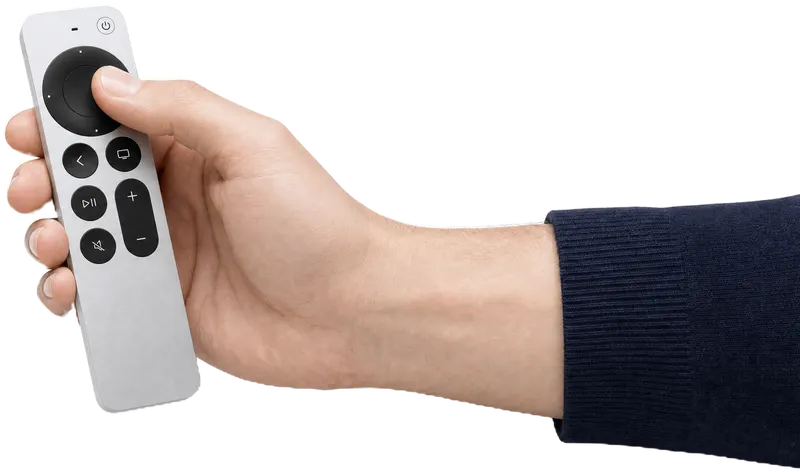
Real gameplay on Apple TV, played with one Siri Remote
No. Pass the Remote! uses only the Siri Remote that came with your Apple TV. One person plays, then hands the remote to the next.
No phones to hand out, no controllers to pair, no app to download, no sign-in. Everyone plays with the remote you already have.
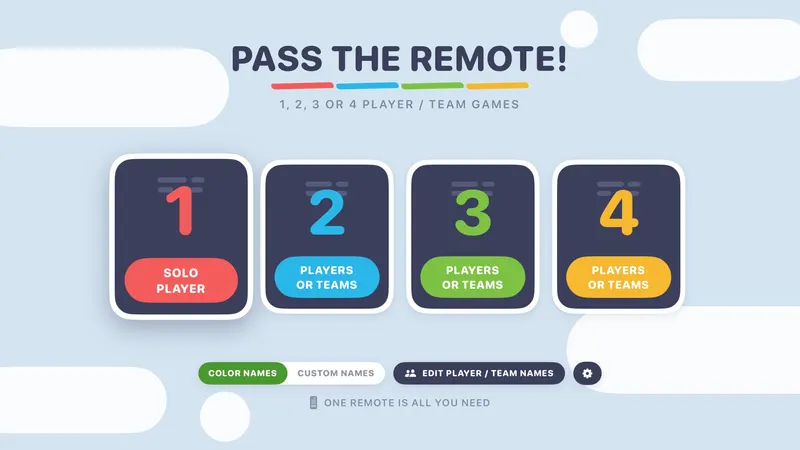
Pick 1, 2, 3 or 4, pick a game, and go. Each color can be one player or a whole team, so a big group just splits into colors.
Every game is free to play. One optional $9.99 Unlock Everything opens the rest. No ads, no subscriptions, and the privacy label is Data Not Collected.
11 games · players or teams · pass the remote
Trivia, charades, word games, quick skill games and a full archery adventure. Tap a game to see how it plays.

Stacking skill
Take turns dropping animals (or vehicles, or famous buildings!) onto a narrow ledge. Knock anything off and you're out.
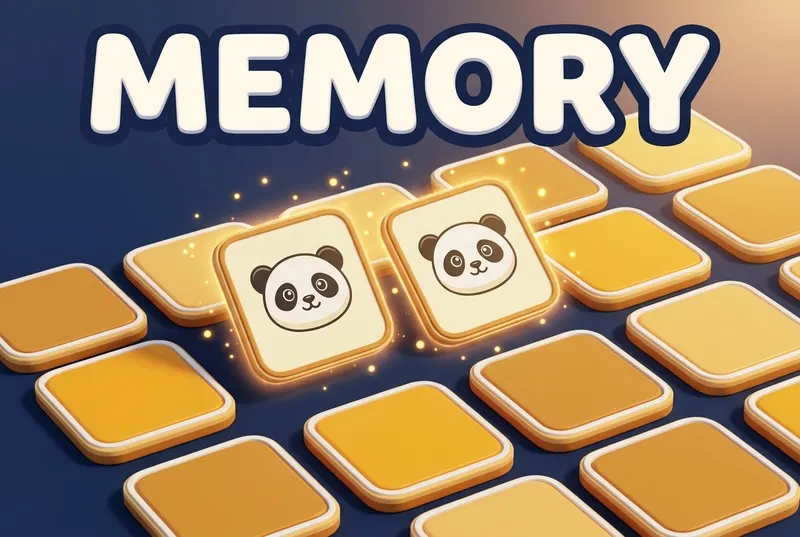
Memory matching
Flip, match, remember. Find a pair and keep the remote.
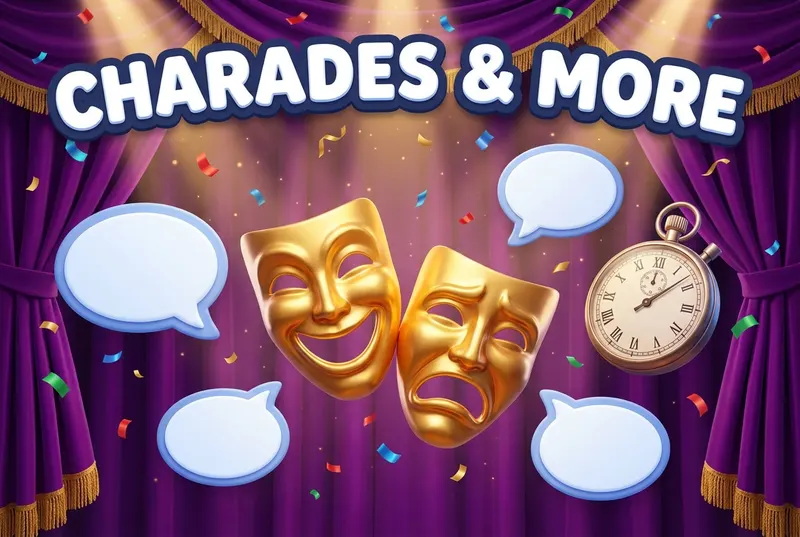
Acting and shouting
The guesser turns their back while the room shouts or acts out clues. Beat the buzzer!
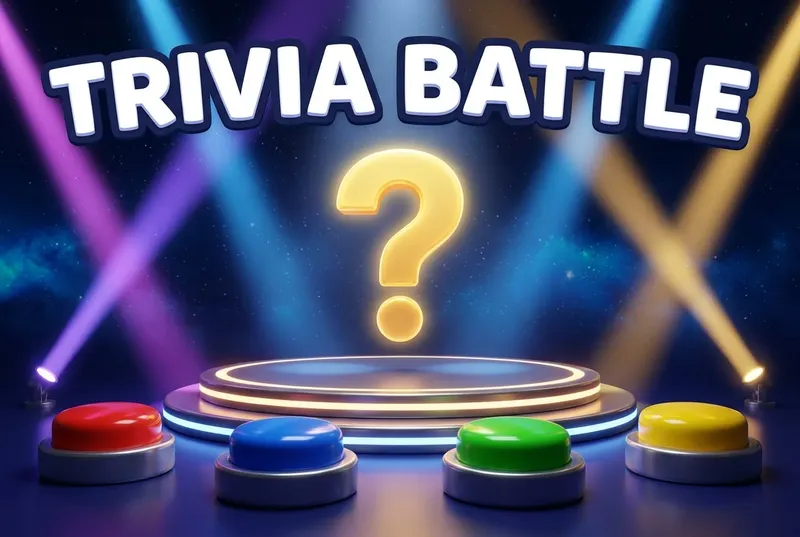
Team trivia
Know it or skip it: 27 categories, from Around the World to Pro Football, with a fun fact after every answer.
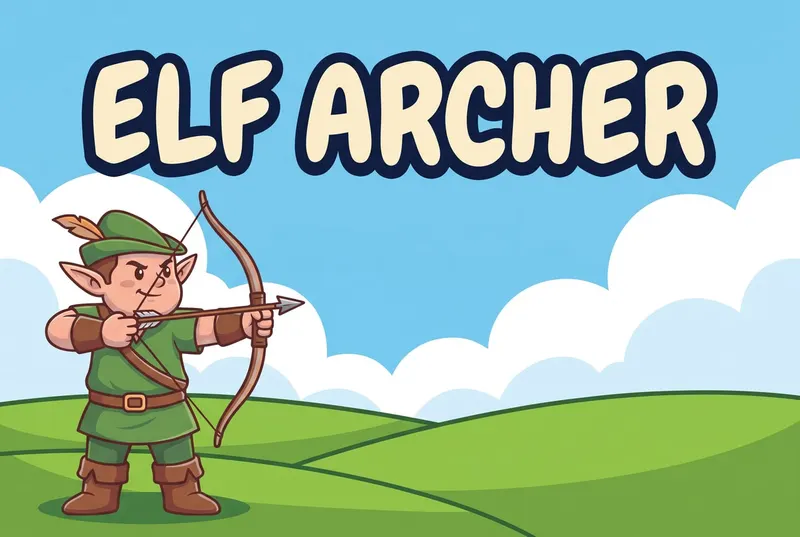
Archery adventure
Fletch the Elf takes on the wizards in a 21-level archery adventure.

Reaction
The music calls the moves out loud: "Press it!" "Swipe it!" "Play it!" React on sound alone before the window closes.
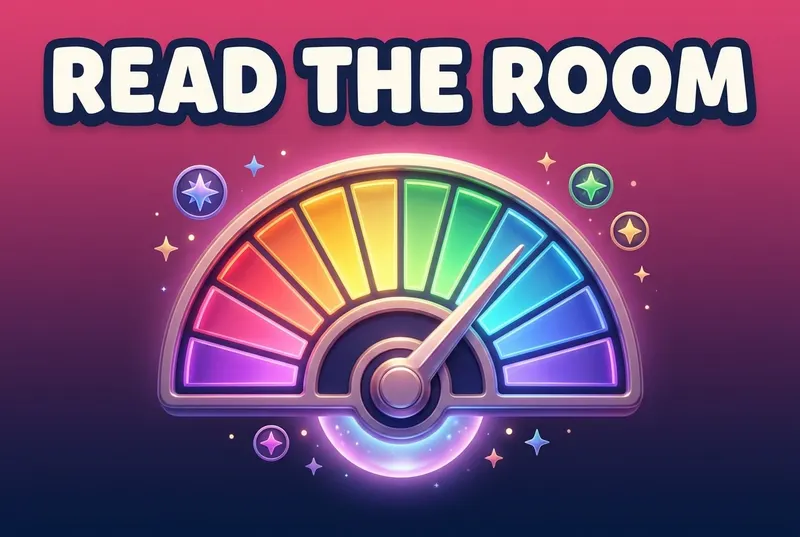
Group guessing
The Psychic knows where the target hides on the dial. How in sync is everyone else?

Arcade skill
Flap a winged basketball through ring after ring across six courts.
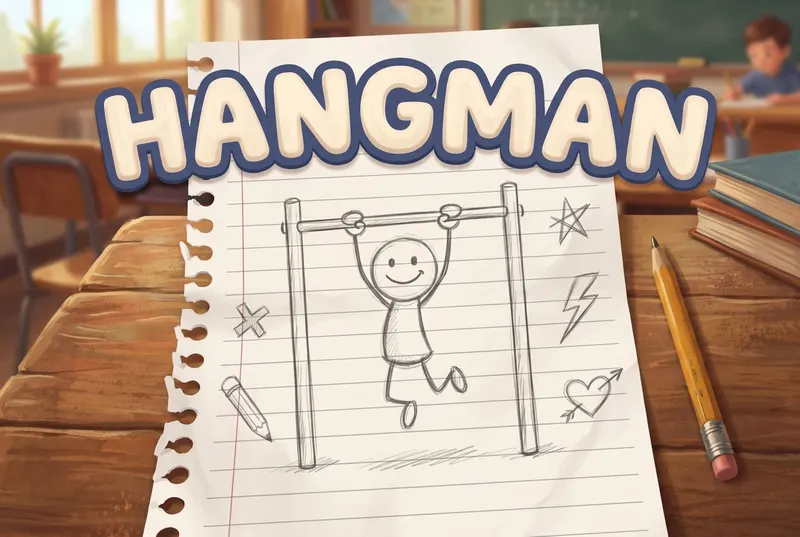
Word game
The classic word game in three animated scenes: every miss draws the stickman, burns the bridge, or brings the shark back for another bite.
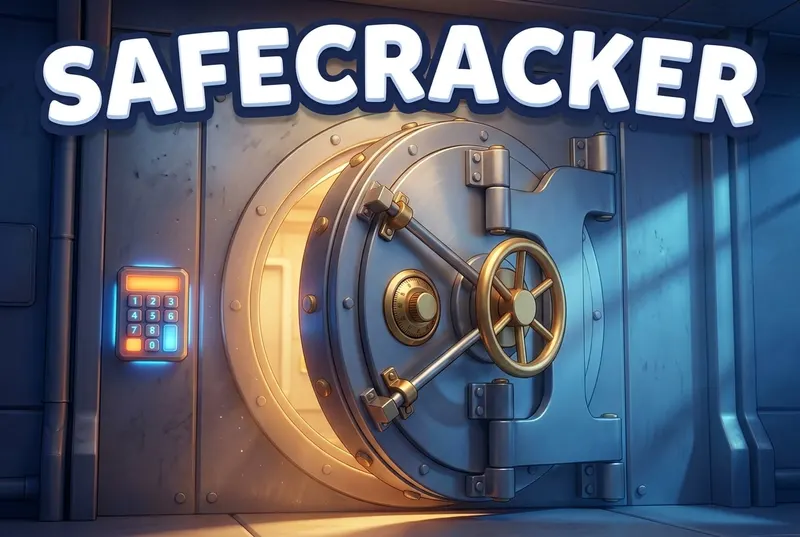
Code-breaking
Set a secret code, then race to crack the other side's first.

Arcade skill
Bounce random items on a trampoline as many times as you can, with silly splats and explosions along the way.
Trivia Battle · 27 categories
Pick from 27 categories, from Around the World to Pro Football. A right answer is worth 3 points, and every color gets three power plays per game:
Banks 3 points and still shows you the answer. One per color per game.
Strikes out two wrong answers. One per color per game. Play/Pause is the shortcut.
Commit before you answer: a right answer pays 6 instead of 3, but you can't Skip that question. One per color per game. Stacks with 50/50.
Answer: Canberra
Fun fact: Canberra was purpose-built as a compromise because Sydney and Melbourne both wanted the title.
Three steps, all on the TV, all with one remote.
Choose solo, or 2, 3 or 4 colors. Each color can be one person or a whole team. Want real names? Give each color a name and a silly avatar.
Choose from 11 games, then a deck, category, scene or court. Everything has a free starter lineup.
Take your turn, then hand the remote to the next color. The game shows whose turn it is, so nobody needs to keep track.
Games for the whole family on the TV, plus a 60-minute plan for mixed ages.
Easy games for kids, grown-ups and grandparents after dinner, plus a printable game plan.
Party games for family gatherings and friends, plus a printable party plan.
Games for the hours before midnight, plus an early kids' countdown.
Family trivia by category, with answers and fun facts.
Color teams, one remote, no student devices.
Big screen, one remote, nothing to download.
Free to play · Apple TV only
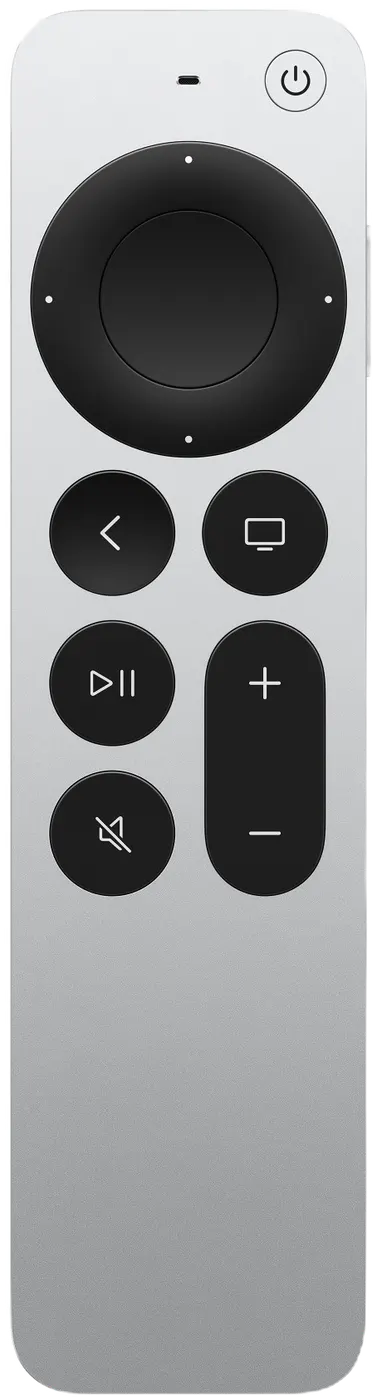
No. Pass the Remote! uses only the Siri Remote that came with your Apple TV. One person plays, then hands the remote to the next. Nobody downloads an app, signs in or joins on a phone.
Play solo, or pick 2, 3 or 4 colors. Each color can be one player or a whole team, so a bigger group splits into up to four color teams and passes the remote between them. Solo play includes 8 of the 11 games.
Yes, it's free to download, and every game is free to play with a starter lineup. One optional $9.99 purchase, Unlock Everything, opens every locked deck, category, scene, set, court, level and item: 108 more options today. There are no ads and no subscriptions.
An Apple TV that runs tvOS 18.0 or later, plus its Siri Remote. You install Pass the Remote! from the App Store on the Apple TV itself.
No. Pass the Remote! is made for Apple TV only. It isn't available on iPhone, iPad, Mac, Fire TV, Roku, Android TV or smart TV apps. You can read about it on your phone, but you install and play it on the Apple TV.
No. The App Store privacy label is Data Not Collected. There are no accounts, no ads, no analytics and no tracking in the app. Custom names and high scores stay on your Apple TV. Read the privacy policy
On your Apple TV, open the App Store and search Pass the Remote
It's free to download and free to play.
View on the App Store