How do you play Splat!?
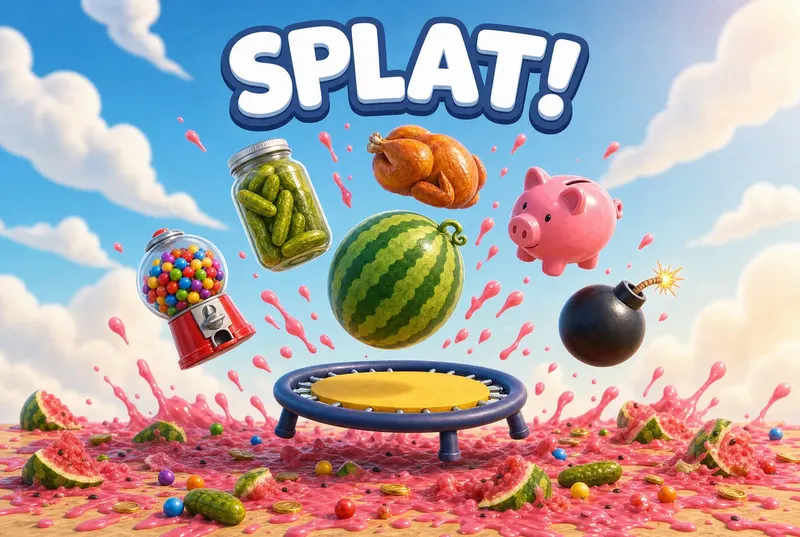
Bounce random items on a trampoline as many times as you can, with silly splats and explosions along the way.
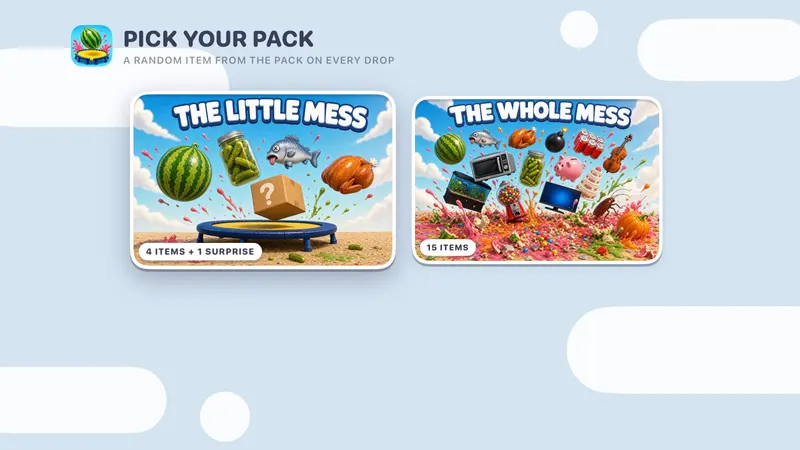
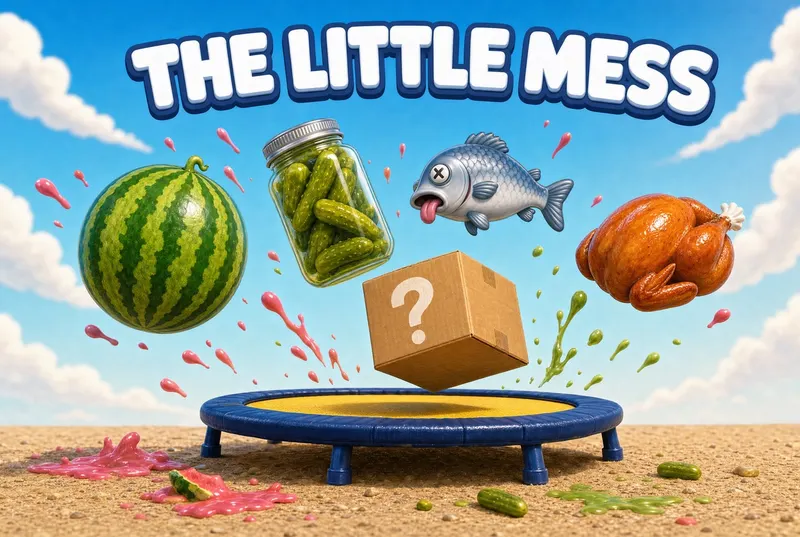
- Pick a pack. The Little Mess is free: a watermelon, a jar of pickles, a dead fish, a turkey and a surprise item every game. The Whole Mess adds everything else, from a wedding cake to a gumball machine.
- Something falls. Slide your thumb to move the trampoline under it.
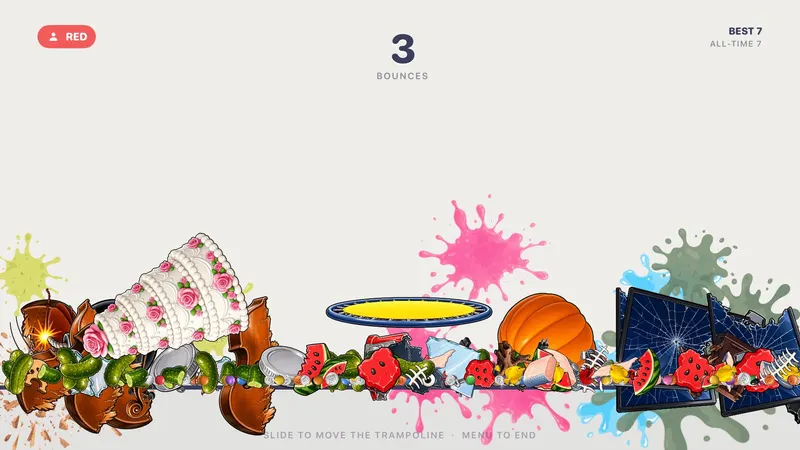
- Every bounce goes higher and comes down faster. Watch the shadow to see where it will land.
- Miss, and it goes SPLAT. The mess stays put, and the remote passes to the next color.
- After 3 rounds, the color with the most total bounces wins. Ties share.
Scoring: Each bounce is 1 point. Party: most total bounces after 3 rounds wins; ties share. Solo: keep going until you press Menu and chase your all-time best.
How do you play Splat! with a group?
Pick 2, 3 or 4 colors. Each color gets one falling item per round, keeps it bouncing as long as they can, then passes the remote when it splats. After 3 rounds, the most total bounces wins.
Every round starts each color on the same opening drop, so it's fair. The mess from every miss stays on screen, and the scoreboard of color chips across the top shows who's ahead.

What's included?
2 packs and 15 items.
The Little Mess is free; The Whole Mess (11 more items) comes with Unlock Everything. Unlock Everything is one $9.99 purchase that opens everything in all 11 games, plus everything added later.
Who is it best for?
Splat! is best for quick rounds, kids and big laughs. Solo (endless) or 2–4 colors (3 rounds).
- Slide the trampoline under a falling watermelon, pickle jar or piggy bank
- Every bounce flies higher and comes down faster, and the one you miss goes SPLAT
- The mess stays on screen for the rest of the game
- Two packs: The Little Mess (free) and The Whole Mess (15 items)
- Party play: 3 rounds, one item per color per round
- Solo is endless, with an all-time best saved on your Apple TV
Brain breaks and indoor recess
Siri Remote controls
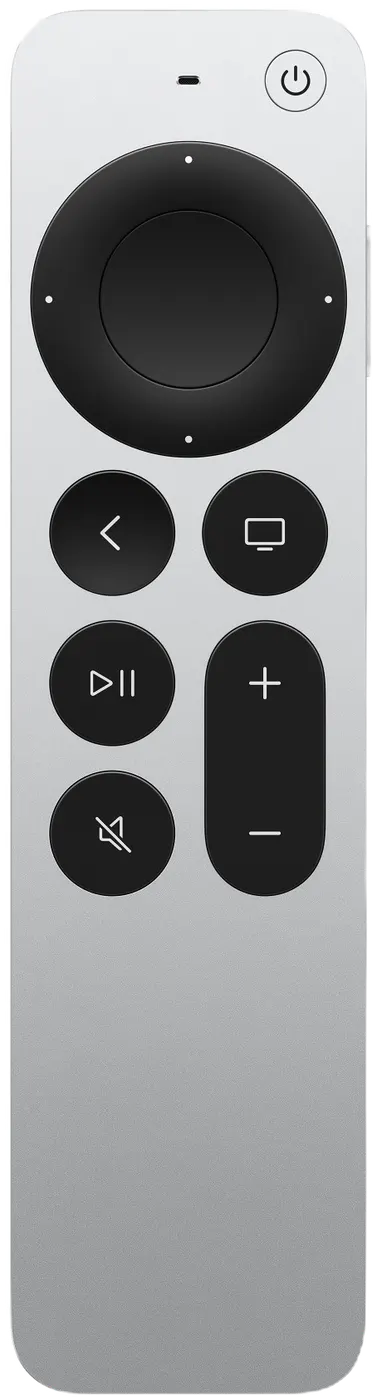
The on-screen hint says it all: SLIDE TO MOVE THE TRAMPOLINE.
| On the Siri Remote | What it does |
|---|---|
| Slide | Move the trampoline (a quick flick moves it faster) |
| Back (MENU) | End a solo session |
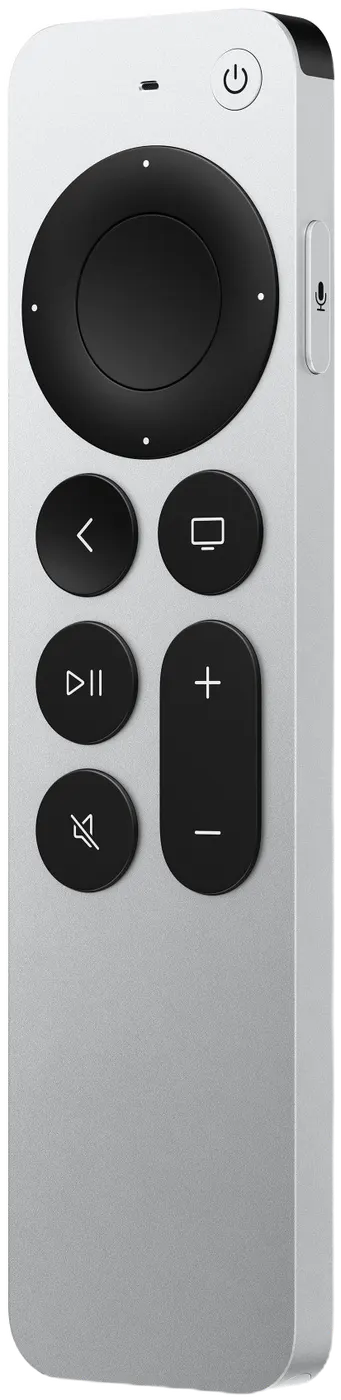
In a group game, pressing Back (MENU on the original remote) by accident won't end it: it asks END THIS GAME? with KEEP PLAYING selected. In solo, that button is how you finish: it ends the run and shows your score.