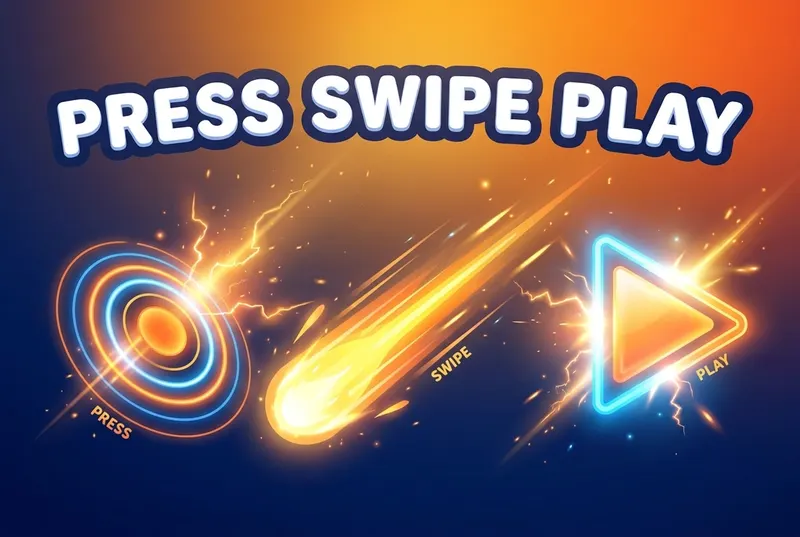
How do you play Press Swipe Play?
The music calls the moves out loud: "Press it!" "Swipe it!" "Play it!" React on sound alone before the window closes.
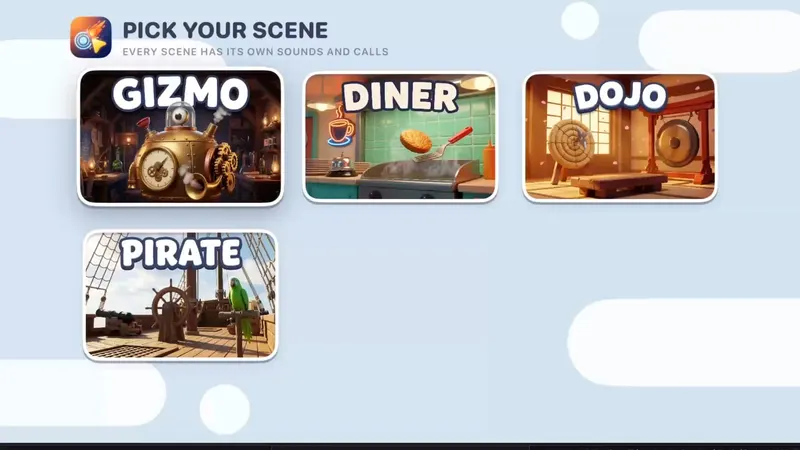
- Pick a scene. Gizmo is free; Diner, Dojo and Pirate come with Unlock Everything.
- Listen: the track calls each move out loud, and you do it before the window closes.
- In party mixes, "Pass it!" means hand the remote to the next person, fast.
- One wrong move or one miss ends the run. Your score is how many calls you survived.
Scoring: Your score is how many calls you survive. Survive every call to beat the machine.
What's included?
4 scenes, each with its own music, sounds and calls.
Gizmo is free; Diner, Dojo and Pirate come with Unlock Everything. Unlock Everything is one $9.99 purchase that opens everything in all 11 games, plus everything added later.
Who is it best for?
Press Swipe Play is best for big groups, quick rounds and music lovers. Solo, or a whole group sharing one run with "Pass it!" party mixes.
- When it shouts "Pass it!", the remote changes hands
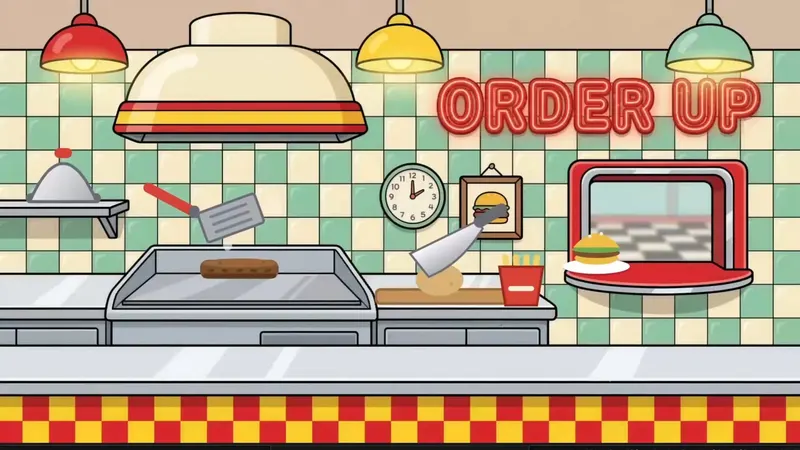
- Four scenes: Gizmo, Diner (flip burgers), Dojo (break boards) and Pirate (fire the cannon), each with its own music, sounds and calls
- Play solo, or party mixes for the whole crew
- No prompts on screen: your ears are the game
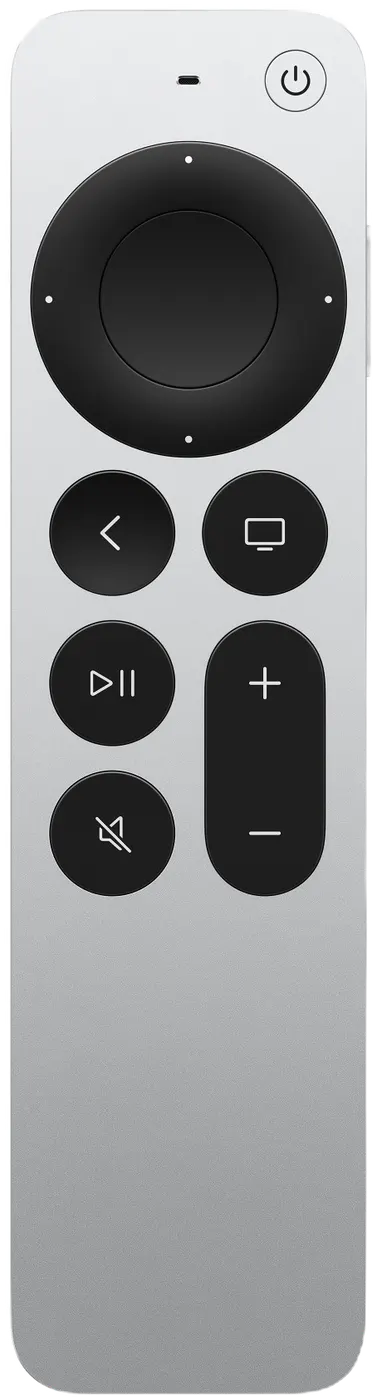
Siri Remote controls
The on-screen hint says it all: LISTEN FOR THE CALL.
| On the Siri Remote | What it does |
|---|---|
| "Press it!" | Click the touch surface |
| "Swipe it!" | Big swipe across the touch surface |
| "Play it!" | Press Play/Pause |
| "Pass it!" | Hand the remote to the next person (party mixes) |
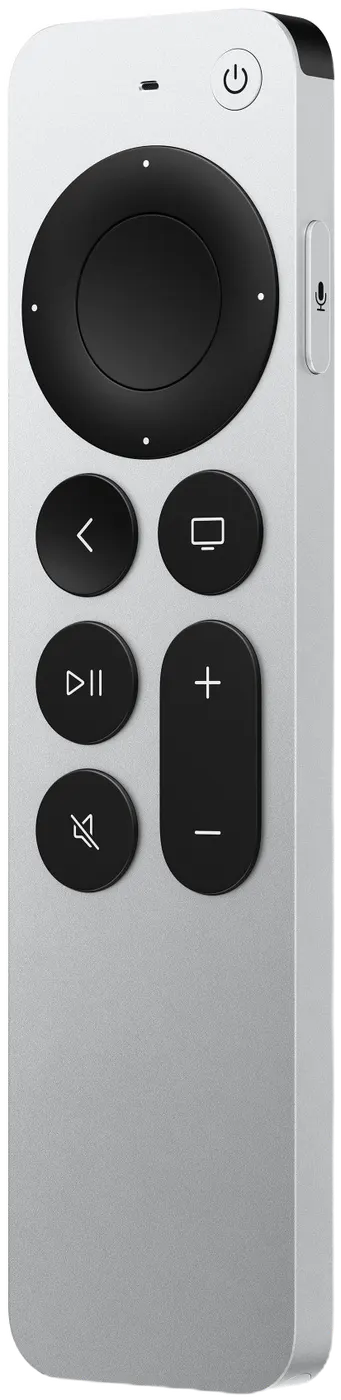
Pressing Back (MENU on the original remote) by accident won't end your game: it asks END THIS GAME? with KEEP PLAYING selected.