How do you play Trivia Battle?
Know it or skip it: 27 categories, from Around the World to Pro Football, with a fun fact after every answer. Pass one Siri Remote between colors, answer on the TV, and see a fun fact after every answer.
- Pick a category. Around the World, Wild Science and Odd One Out are free; the other 24 come with Unlock Everything.
- On YOU'RE UP!, the color whose turn it is takes the remote and clicks to see the question.
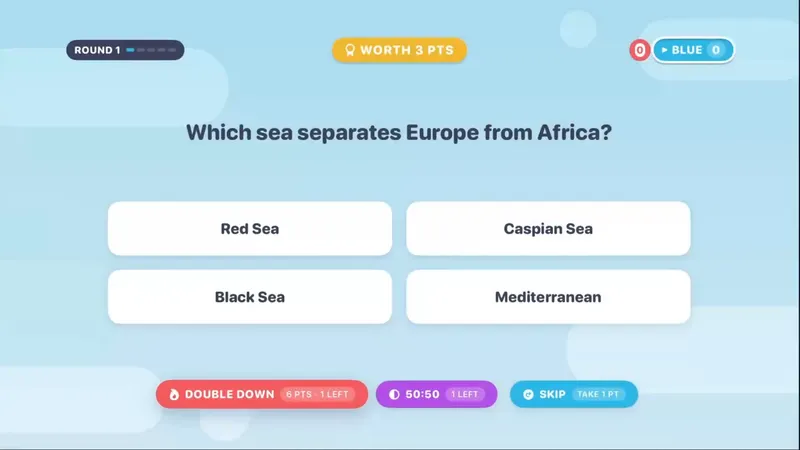
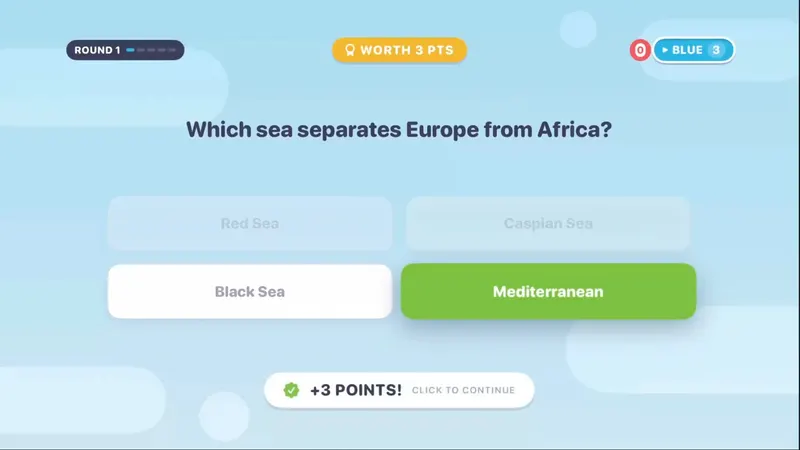
- Swipe to an answer and click to lock it in. A right answer is worth 3 points.
- Every answer reveal shows a fun fact. Press NEXT QUESTION and pass the remote.
- After 5 rounds the highest total wins, with a drumroll and confetti. Ties share the crown.
Scoring: A right answer is worth 3 points (6 with Double Down); a wrong one is worth 0. Highest total after 5 rounds wins; ties share.
How do the power plays work?
Every color gets three power plays per game, one of each. Use them well and a trailing team can catch up in a single round.
- Skip: Banks 3 points and still shows you the answer. One per color per game.
- 50/50: Strikes out two wrong answers. One per color per game. Play/Pause is the shortcut.
- Double Down: Commit before you answer: a right answer pays 6 instead of 3, but you can't Skip that question. One per color per game. Stacks with 50/50.
How do you play trivia with teams on Apple TV?
Split the room into 2, 3 or 4 colors, pick a category, and pass one Siri Remote from color to color. Each color answers one question per round for five rounds, and the highest total wins.
When it's a color's turn, the screen says YOU'RE UP! and that team clicks to see their question. Teams can talk it over before locking in. There's no timer, so nobody gets rushed, and the answer reveal waits for a NEXT QUESTION button. Playing alone? Solo mode is 20 questions in a row.
Is there a trivia game for Apple TV that doesn't need phones?
Yes. Trivia Battle runs entirely on the Apple TV with the Siri Remote that came with it. Nobody needs a phone, an app, an account or a game controller: the remote passes from team to team.
Questions appear on the TV as four answers. You swipe to an answer and click to lock it in, and Play/Pause is a shortcut for your 50/50.
What are the 27 Trivia Battle categories?
27 categories and 4,979 questions. Around the World, Wild Science and Odd One Out are free; the other 24 come with Unlock Everything.
-

-



-

-

-


-

-



-

-

-

-

-

-

-

-

-

-

-

-

-

-

-

Try a Trivia Battle question
What is the capital of Australia?
- ASydney
- BCanberra
- CMelbourne
- DPerth
Answer: Canberra
Fun fact: Canberra was purpose-built as a compromise because Sydney and Melbourne both wanted the title.
What's included?
27 categories and 4,979 questions.
Around the World, Wild Science and Odd One Out are free; the other 24 categories come with Unlock Everything. Unlock Everything is one $9.99 purchase that opens everything in all 11 games, plus everything added later.
Who is it best for?
Trivia Battle is best for teams, trivia nights and mixed ages. Solo (20 questions in a row) or 2–4 colors (5 rounds, one question per color per round).
- Each color gets one Skip (banks 3 points), one 50/50 and one Double Down per game
- A fun fact after every answer
- The dealer never asks two questions on the same theme back to back
- A NEXT QUESTION button on the answer reveal, so nobody clicks past the moment of glory
- After a 50/50 leaves two answers on a diagonal, swipe up or down to hop between them
- 4,979 questions across 27 categories
- No question timer
Trivia Battle in the classroom · Trivia for seniors
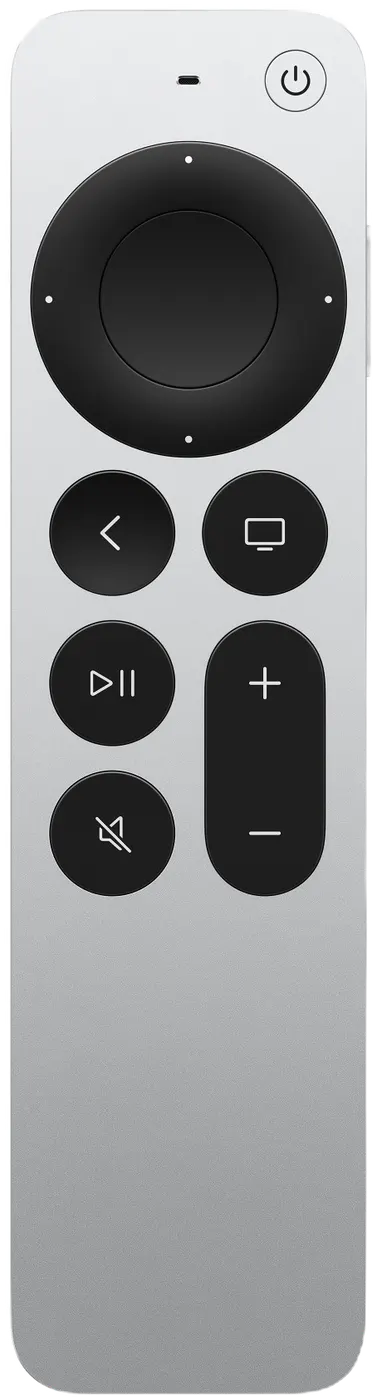
Siri Remote controls
| On the Siri Remote | What it does |
|---|---|
| Swipe | Move between answers |
| Click | Lock in your answer |
| Play/Pause | Use your 50/50 |
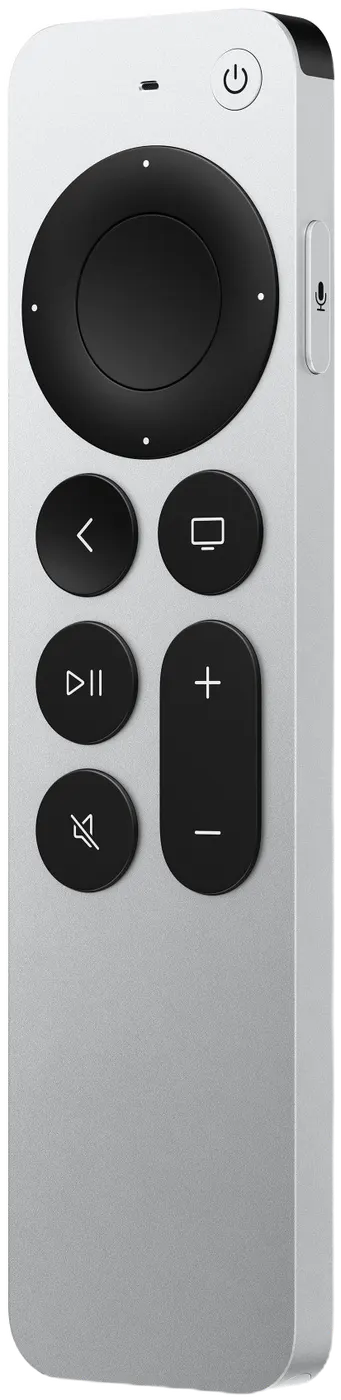
Pressing Back (MENU on the original remote) by accident won't end your game: it asks END THIS GAME? with KEEP PLAYING selected.