How do you play Hangman?
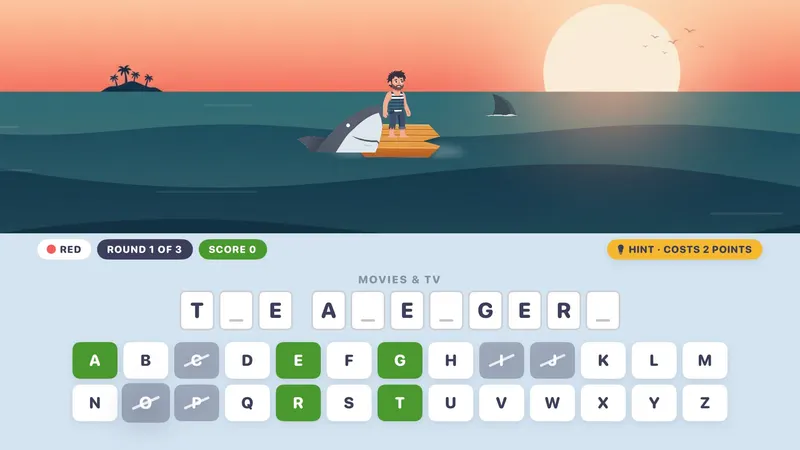
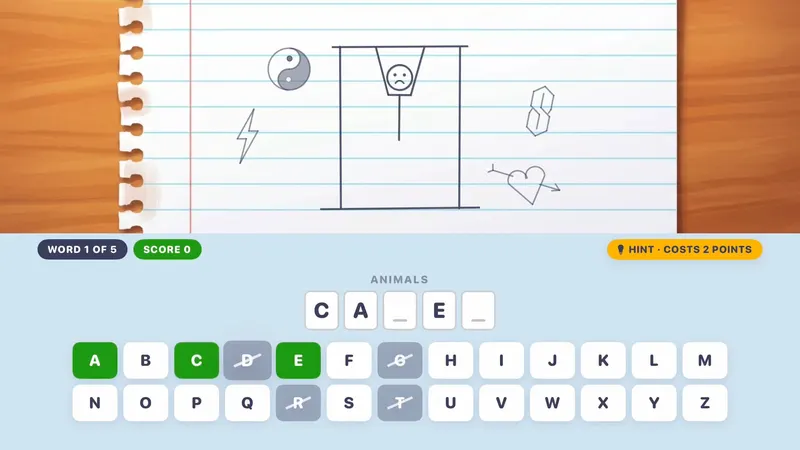
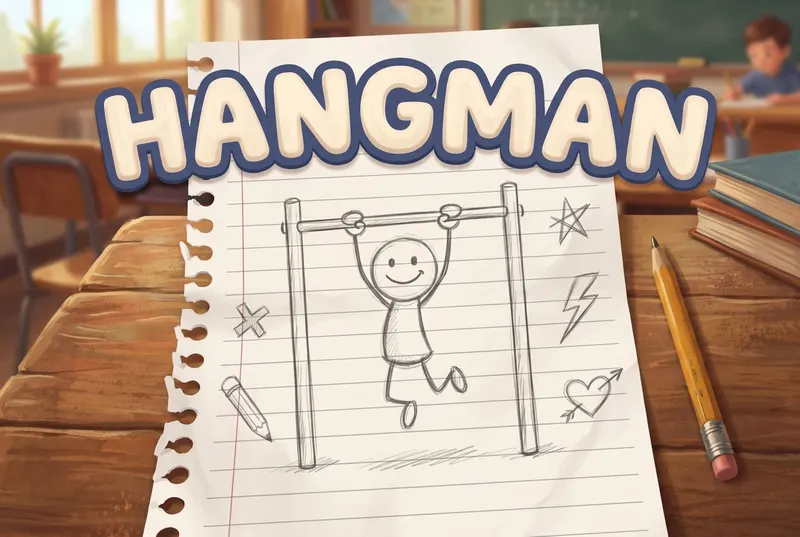
The classic word game in three animated scenes: every miss draws the stickman, burns the bridge, or brings the shark back for another bite.
- Pick a scene and a category. The Notepad scene and the Food & Drink, Animals and Geography categories are free.
- Swipe to a letter and click to guess it. Six wrong guesses lose the word.
- Stuck? Take a hint: it costs 2 points but never costs a chance.
- With a group, pick ROUND BATTLE (3 rounds each, most points wins) or CREATE YOUR OWN WORD (one picks, everyone guesses).
Scoring: Each solved word pays 1 point per chance left; hints cost 2. Round Battle: 3 rounds each, most points wins, ties go to sudden death. Create Your Own Word isn't scored.
Can you make your own words?
Yes. With 2 or more colors, pick CREATE YOUR OWN WORD: one person picks a word on the on-screen letter board and everyone else guesses. It's handy for spelling lists, family names and inside jokes.
Using Hangman in the classroom
What's included?
3 scenes (Notepad, Bridge & Dragon, Shark Waters) and 12 categories (Food & Drink, Animals, Geography, Random, Around the House, Short Phrases, Movies & TV, Historical Figures, Sports, Video Games, Jobs & Careers, Music), 660 words.
The Notepad scene and the Food & Drink, Animals and Geography categories are free; the other scenes and categories come with Unlock Everything. Unlock Everything is one $9.99 purchase that opens everything in all 11 games, plus everything added later.
Who is it best for?
Hangman is best for mixed ages, spelling and vocabulary and inside jokes. Solo (5 words) or 2–4 colors (Round Battle, or Create Your Own Word).
- Scenes: a doodled stickman on a notebook page, a knight on a dragon-guarded bridge, and a castaway adrift in shark waters
- 12 categories, from Animals to Movies & TV to Video Games
- Create your own word and watch the room sweat
- The focused letter lights up so you always know which key you're on
- Six wrong guesses is all it takes
- A hint costs 2 points but never costs a chance
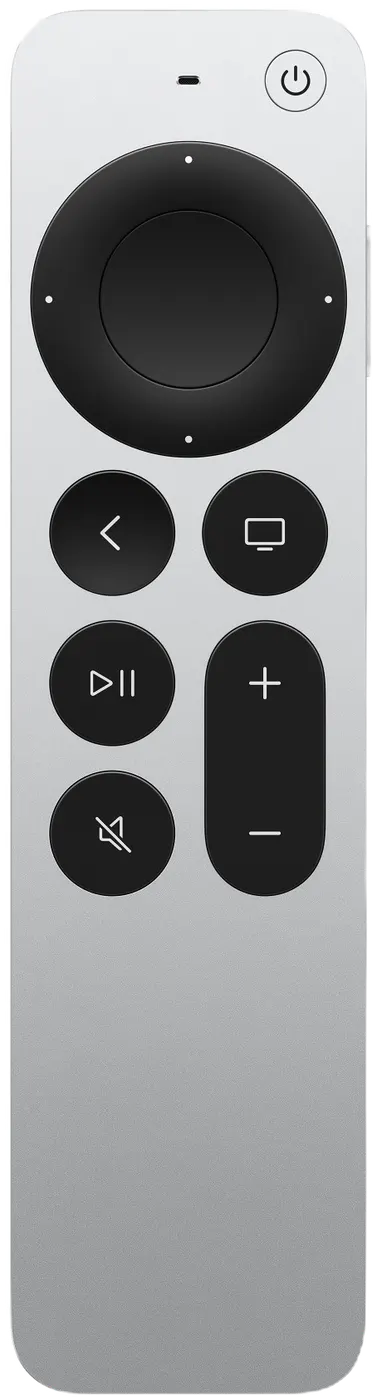
Siri Remote controls
| On the Siri Remote | What it does |
|---|---|
| Swipe | Move around the letter board |
| Click | Guess the letter |
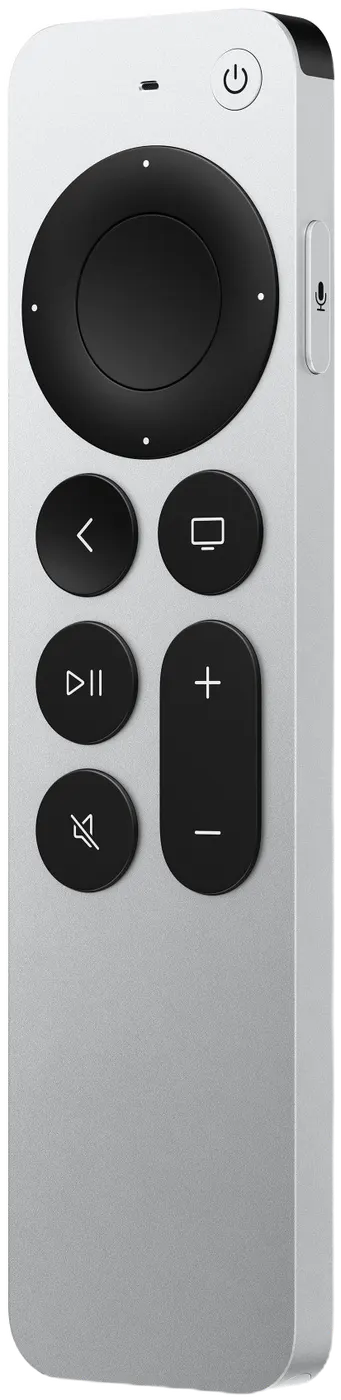
Pressing Back (MENU on the original remote) by accident won't end your game: it asks END THIS GAME? with KEEP PLAYING selected.