Quick answer
If your classroom has an Apple TV, Pass the Remote! turns it into 11 games the whole class plays by passing one Siri Remote. Split the room into up to four color teams. Students need no devices or accounts, and the App Store privacy label is Data Not Collected.
Why does it work in a classroom?
Everything runs on the one screen at the front of the room. Students play in up to four color teams and take turns with the remote, so nobody needs a device, an account or a login.
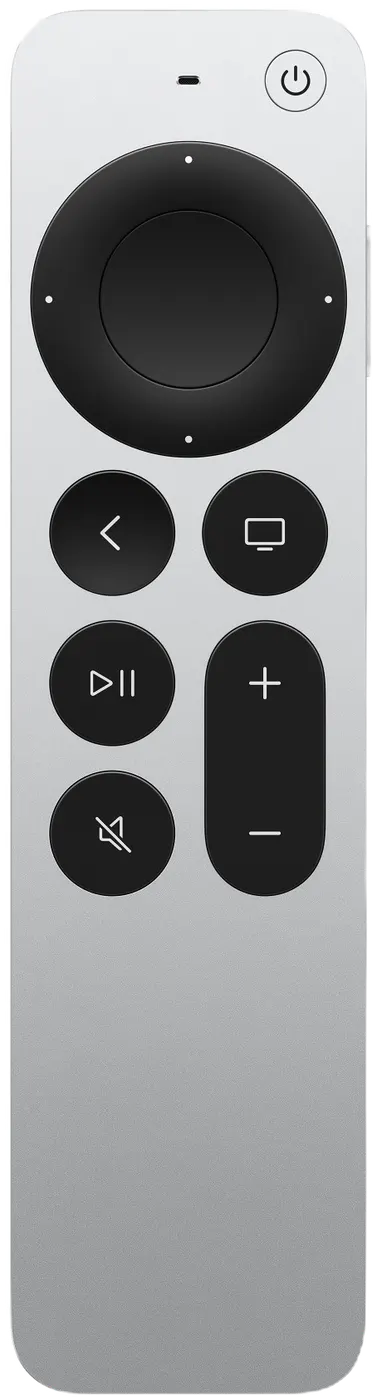
- One remote. The Siri Remote that came with the Apple TV is the only controller. Each team sends a student up for its turn.
- Up to four color teams. Red, Blue, Green and Yellow, each as big as you need. Rename them for the day if you like.
- No student devices or accounts. Nothing to hand out, charge or sign in to.
- No ads, no data. There are no ads in the app, and the App Store privacy label is Data Not Collected.
- Nothing gets lost. If someone presses Back by accident, the game asks END THIS GAME? with KEEP PLAYING already selected.
Which games work as classroom review games?
Trivia Battle for team quiz rounds, Hangman with your own spelling and vocabulary words, and Charades & More for acting out words while one student guesses.
Trivia Battle
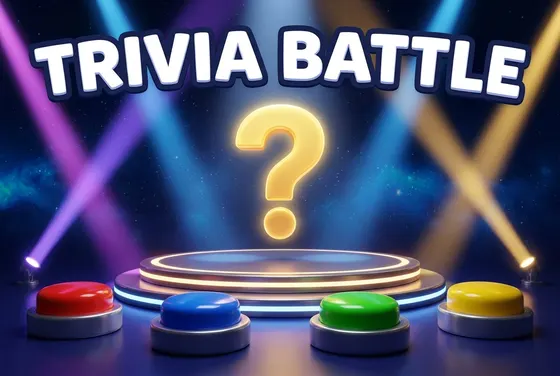
Pick a category and play five rounds, one multiple-choice question per team per round. There's no question timer, so teams can talk it over, and every answer shows a fun fact. Around the World, Wild Science and Odd One Out are free; US History, Fourth Grader and the other categories come with Unlock Everything.
Hangman
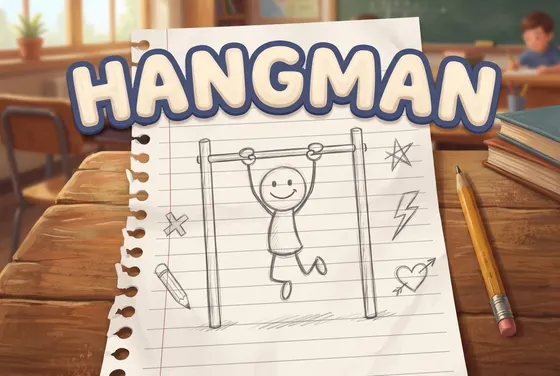
Pick CREATE YOUR OWN WORD and enter a word on the on-screen letter board while the class looks away, then teams take turns guessing letters. Good for spelling lists and vocabulary. The Food & Drink, Animals and Geography categories are free.
Charades & More
The guesser holds the remote and turns their back to the TV while their team acts out or describes the words on screen. Each round lasts 60 seconds. Creature Feature, Snack Attack and Busy Bodies are free decks.
No Apple TV in the room? Read questions aloud from our free trivia pages: US history · geography · science.
Which games make good brain breaks?
Splat!, Stack It, Press Swipe Play, Flap Shot and Memory. Each turn is short, the rules fit in one sentence, and the whole class can cheer on whoever has the remote.
-
New

Splat!
Arcade skill
Bounce random items on a trampoline as many times as you can, with silly splats and explosions along the way.
-

Stack It
Stacking skill
Take turns dropping animals (or vehicles, or famous buildings!) onto a narrow ledge. Knock anything off and you're out.
-

Press Swipe Play
Reaction
The music calls the moves out loud: "Press it!" "Swipe it!" "Play it!" React on sound alone before the window closes.
-

Flap Shot
Arcade skill
Flap a winged basketball through ring after ring across six courts.
-
Memory
Memory matching
Flip, match, remember. Find a pair and keep the remote.
Indoor recess ideas: a 20-minute rotation
Make four color teams, then rotate through three quick games: Splat! to warm up, Charades & More to get loud, and Stack It to finish. Switch the student holding the remote every game so everyone gets a turn.
Printable game plan
Indoor recess: 20 minutes
-
0:00–0:03
Make color teams
Up to four teams by table or row: Red, Blue, Green and Yellow. Each team picks who holds the remote first.
-
0:03–0:09
Warm up: Splat!
Three rounds. Each team keeps a falling item bouncing on the trampoline until it splats, then passes the remote. Most total bounces wins.
-
0:09–0:15
Get loud: Charades & More
One 60-second round per team. The guesser turns their back to the TV while their team acts out the words. Keep score on the board.
-
0:15–0:20
Finish: Stack It
Teams take turns dropping animals onto a narrow ledge. Knock one off and your team is out. Last team standing wins.
Short on time? Play just Splat! and Stack It. Rainy-day bonus: a Trivia Battle round with a free category.
Setting it up on a school Apple TV
Install Pass the Remote! from the App Store on the Apple TV itself; it's free to download. If your school manages its Apple TVs, ask IT first, and check your school's process before buying apps.
- What you need: an Apple TV that runs tvOS 18.0 or later, and its Siri Remote. Both Siri Remote designs work.
- Installing: on the Apple TV, open the App Store, search “Pass the Remote” and select Get. Students don't install anything.
- What's free: every game is free to play with a starter lineup. One optional $9.99 purchase, Unlock Everything, opens every locked category and deck, plus everything added later.
- Restoring a purchase: if the Apple TV gets reset, use the gear icon on the home screen, then Settings › RESTORE PURCHASES.
What's the age rating?
Pass the Remote! is rated 9+ on the App Store, for infrequent cartoon or fantasy violence.
Try the games yourself before you use them in class, and decide which ones suit your students. There are no ads in the app and nothing for students to sign in to.
Classroom games: questions
Do students need devices?
No. The whole class plays on the classroom Apple TV with its one Siri Remote, passed to whoever's turn it is. Students don't need phones, tablets, accounts or logins.
Does it collect student data?
No. The App Store privacy label is Data Not Collected. There are no accounts, no ads, no analytics and no tracking in the app. Team names and high scores stay on the Apple TV.
How many students can play?
The whole class. Pick 2, 3 or 4 colors and split the room into color teams of any size; each team sends one student up with the remote for its turn.
Can I add my own words?
Yes, in Hangman. With 2 or more colors, pick CREATE YOUR OWN WORD and enter a word on the on-screen letter board, like this week's spelling or vocabulary words. The class guesses it one letter at a time.
What's the age rating?
Pass the Remote! is rated 9+ on the App Store, for infrequent cartoon or fantasy violence. Try the games yourself before class and decide which ones suit your students.