How do you play Memory?
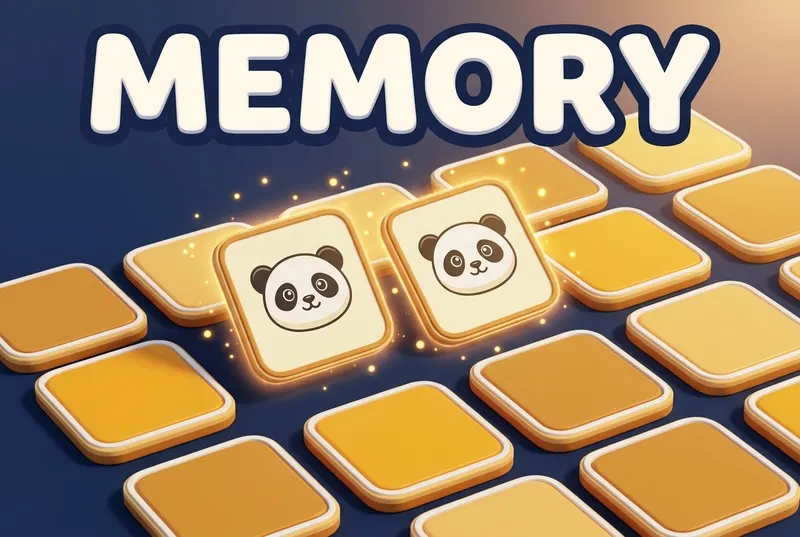
Flip, match, remember. Find a pair and keep the remote.
- Pick a tile set: Classic is free; 8 more come with Unlock Everything.
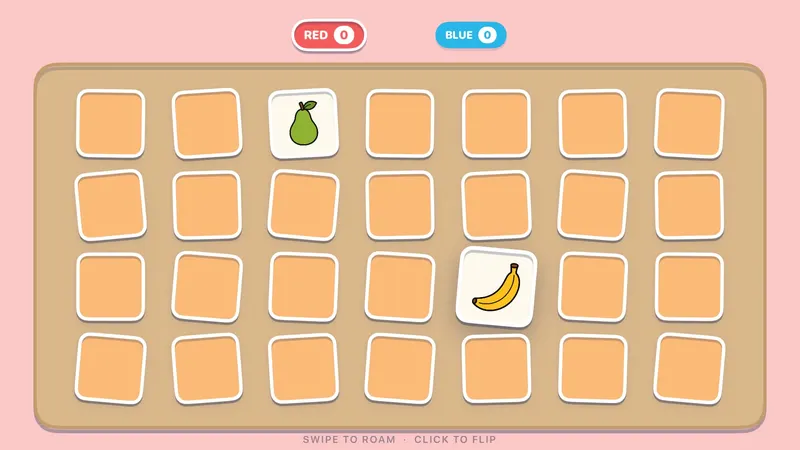
- Swipe to a tile and click to flip it, then flip a second one.
- Find a pair and you keep the remote. Miss and it passes to the next color.
- When the table is clear, the color with the most pairs wins. Ties share the win.
Scoring: Most pairs wins; ties share the win.
What's included?
9 tile sets: Classic, Sports, Food & Drink, Animals, Fruits, Camping, Silhouettes, Ink Blots and Textures.
Classic is free; the other 8 tile sets come with Unlock Everything. Unlock Everything is one $9.99 purchase that opens everything in all 11 games, plus everything added later.
Who is it best for?
Memory is best for grandparents and kids, mixed ages and calm turns. 2–4 colors (not available solo).
- Every game deals 28 cards: 14 pairs
- 9 tile sets, from Classic to Ink Blots
- A match keeps your turn; a miss passes the remote
TV games for seniors and grandparents · Brain breaks for the classroom
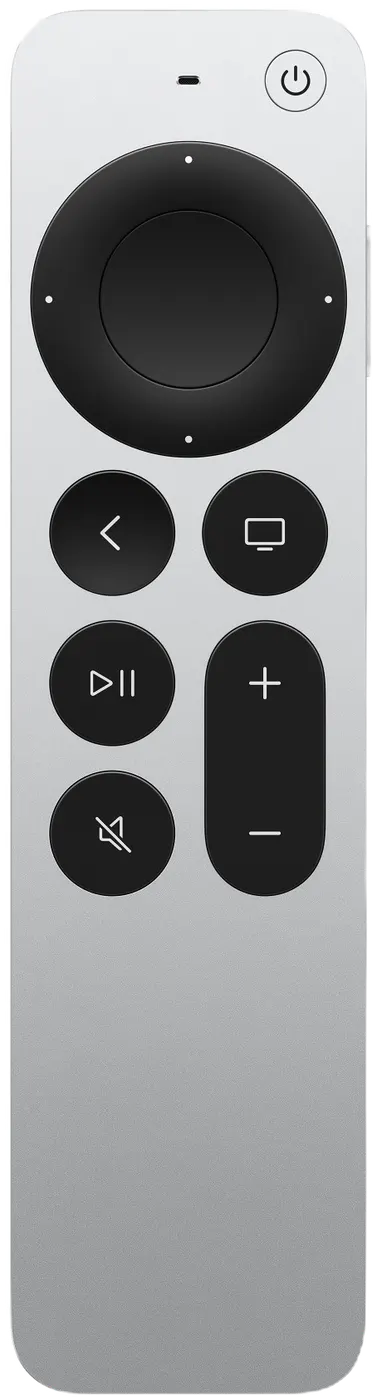
Siri Remote controls
The on-screen hint says it all: SWIPE TO ROAM · CLICK TO FLIP.
| On the Siri Remote | What it does |
|---|---|
| Swipe | Move around the board |
| Click | Flip a tile |
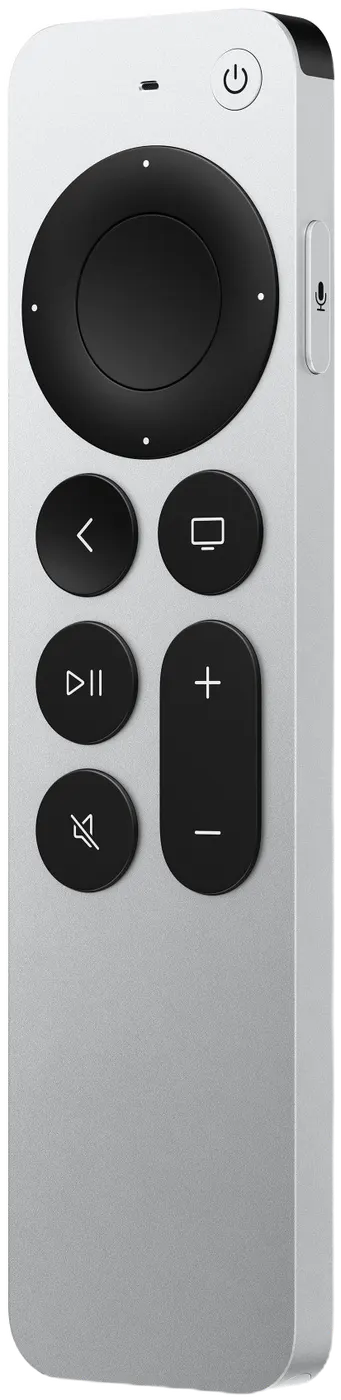
Pressing Back (MENU on the original remote) by accident won't end your game: it asks END THIS GAME? with KEEP PLAYING selected.