How do you play Stack It?
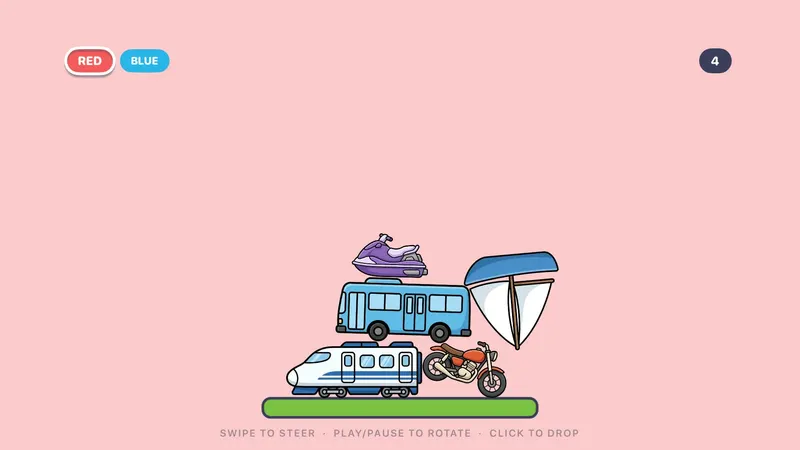
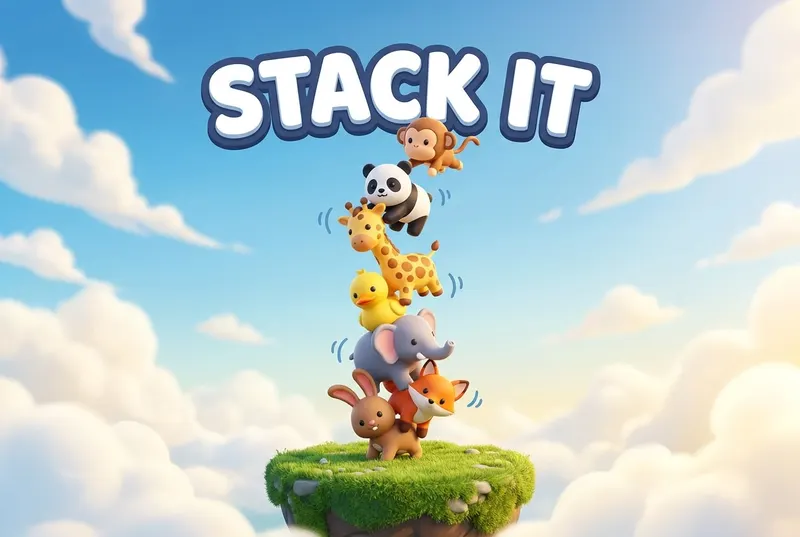
Take turns dropping animals (or vehicles, or famous buildings!) onto a narrow ledge. Knock anything off and you're out.
- Pick a set: Animals is free; Vehicles, Food, Famous Buildings, Typography and Triangles come with Unlock Everything.
- Swipe to steer the piece over the ledge, press Play/Pause to rotate it, and click to drop.
- Once your piece settles and locks in place, pass the remote to the next color.
- If a piece you dropped falls off the ledge, you're out. The last stacker standing wins.
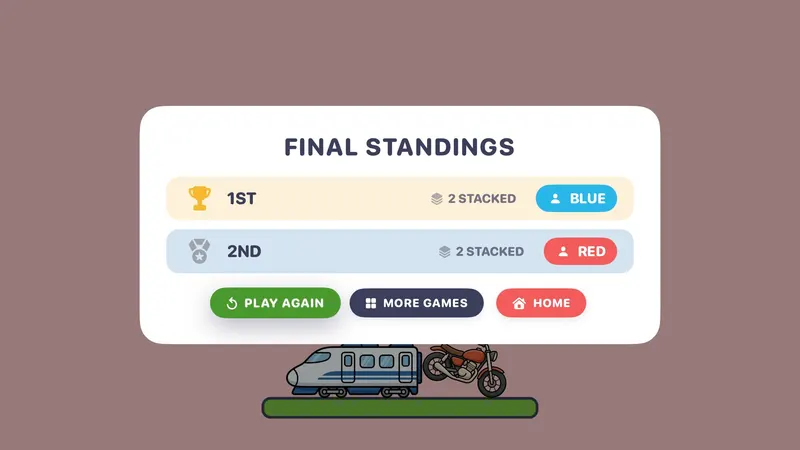
Scoring: Last color standing wins; standings show how many pieces each color stacked. Solo is endless: your score is how many pieces you stack before one slips.
What's included?
6 sets: Animals, Vehicles, Food, Famous Buildings, Typography and Triangles.
Animals is free; the other 5 sets come with Unlock Everything. Unlock Everything is one $9.99 purchase that opens everything in all 11 games, plus everything added later.
Who is it best for?
Stack It is best for mixed ages, quick rounds and solo high scores. Solo (endless) or 2–4 colors.
- Sets include animals, vehicles, famous buildings, food, typography and triangles
- A click when you drop, a chime when it lands, and the chime climbs higher with every piece
- Teetering pieces tip and fall for real
- Final standings show how many pieces each color stacked
Brain breaks and indoor recess
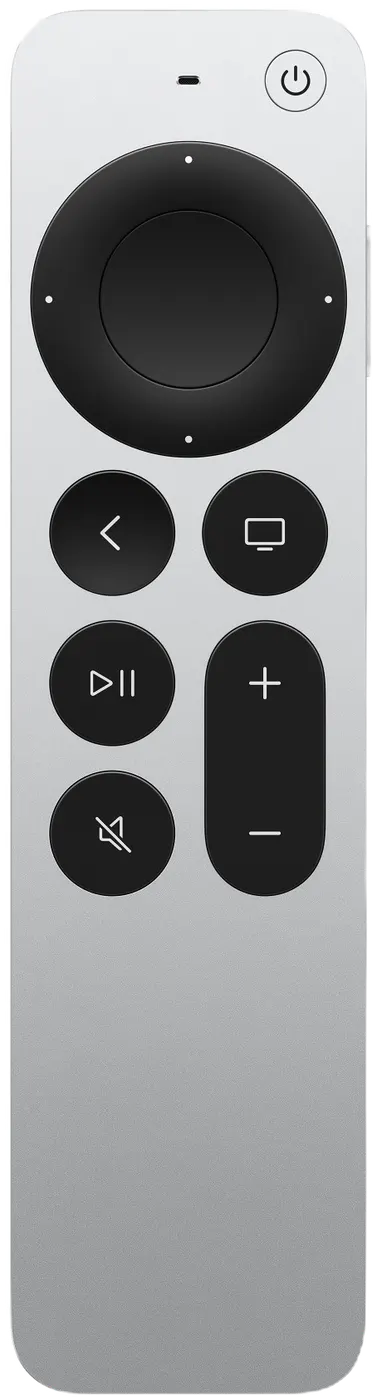
Siri Remote controls
The on-screen hint says it all: SWIPE TO STEER · PLAY/PAUSE TO ROTATE · CLICK TO DROP.
| On the Siri Remote | What it does |
|---|---|
| Swipe | Steer the piece |
| Play/Pause | Rotate (hold to keep turning) |
| Click | Drop it |
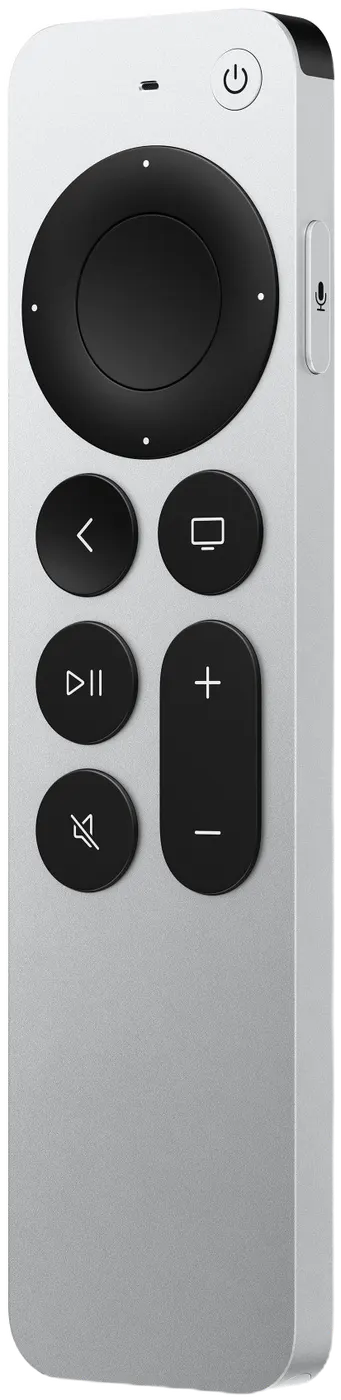
Pressing Back (MENU on the original remote) by accident won't end your game: it asks END THIS GAME? with KEEP PLAYING selected.