How do you play Flap Shot?
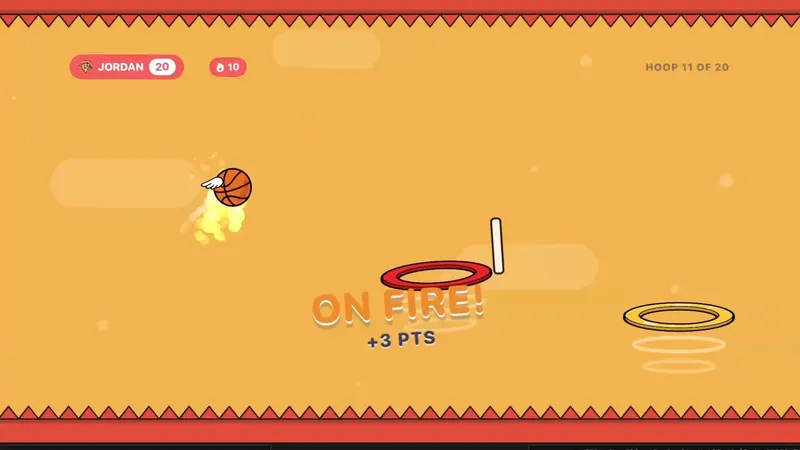
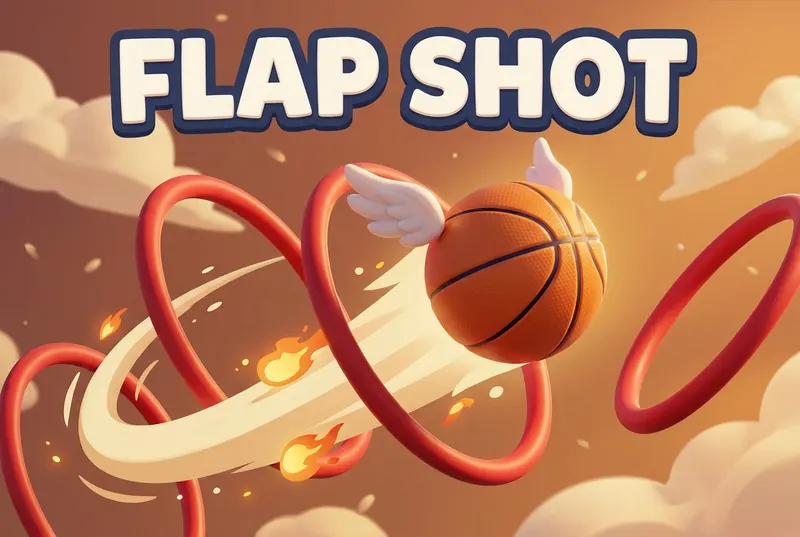
Flap a winged basketball through ring after ring across six courts.
- Pick a court. Driveway, City Court and Big League are free; All-Star, Playoffs and Finals come with Unlock Everything.
- Tap or click to flap the ball through each ring.
- A ring is worth 1, a clean swish 2 and a bank shot 1. Gold rims pay double.
- Hit 10 in a row and you're ON FIRE. Spikes and barbed wire end the run on the tougher courts.
- Everyone flies the same court, one run each. Highest score wins.
Scoring: 1 point per ring, 2 for a swish, double on gold rims, +1 per make while ON FIRE. Highest score wins.
What's included?
6 courts of 20 rings: Driveway, City Court, Big League, All-Star, Playoffs and Finals.
Driveway, City Court and Big League are free; All-Star, Playoffs and Finals come with Unlock Everything. Unlock Everything is one $9.99 purchase that opens everything in all 11 games, plus everything added later.
Who is it best for?
Flap Shot is best for quick rounds, competitive families and solo high scores. Solo or 2–4 colors (one run each).
- Six courts, from the sunny Driveway to the barbed-wire Finals
- 20 rings on every court
- A clean swish is worth 2, and gold rims pay double
- 10 makes in a row puts you ON FIRE
- One run each; highest score wins
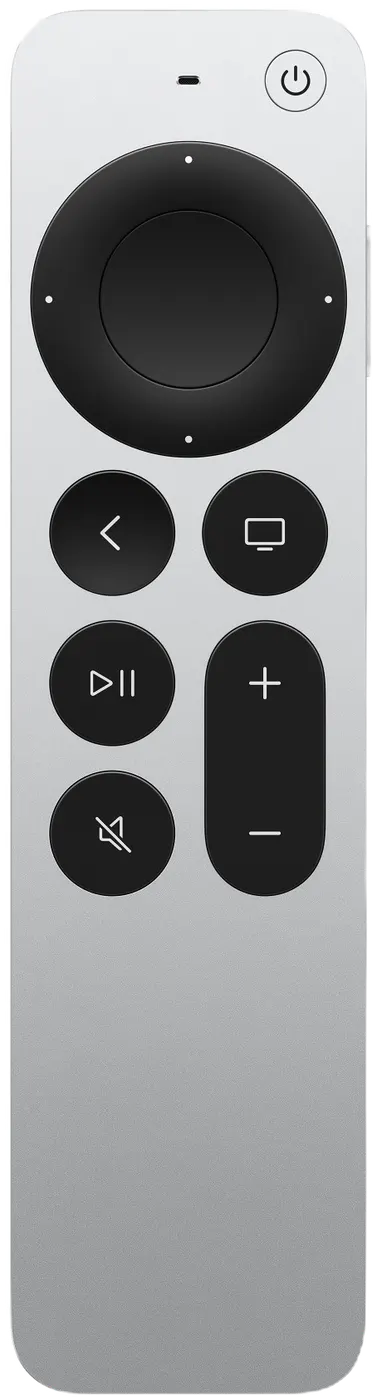
Siri Remote controls
The on-screen hint says it all: TAP OR CLICK TO FLY.
| On the Siri Remote | What it does |
|---|---|
| Tap or click | Flap |
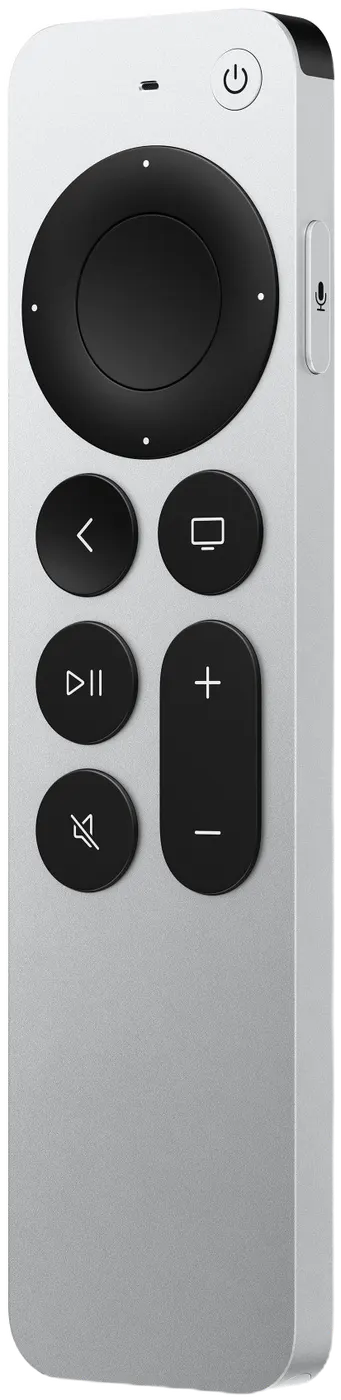
Pressing Back (MENU on the original remote) by accident won't end your game: it asks END THIS GAME? with KEEP PLAYING selected.